
Demystifying Micro-Frontends - Taking a look under the hood of what makes frontends micro
For the past 6 years (5 years and 10 months to be exact) I have been working on projects which involve building micro-frontends in one way or another. Micro-frontends can seem like a bit of a black box implementation or magic. Teams and developers often times struggle to understand what is happening and in my experience, this is because of a lack of understanding how modern frontends are actually put together.
In this article, I am going try and explain micro-frontends, hopefully demystifying them, and showing you, the reader, that micro-frontends are in fact not magic simply a way of resolving JavaScript modules. To do this, I am going to start with a very basic frontend and then I will scale up this frontend. As this frontend scales, I will solve common challenges that arise and I will repeat this process until I get to the point where I consider adapting a micro-frontend architecture. Hopefully, by this point, the why behind micro-frontends will make sense so then I will cover the how.
The most basic frontend.
Let’s say we have a very basic web app. I mean, very basic.
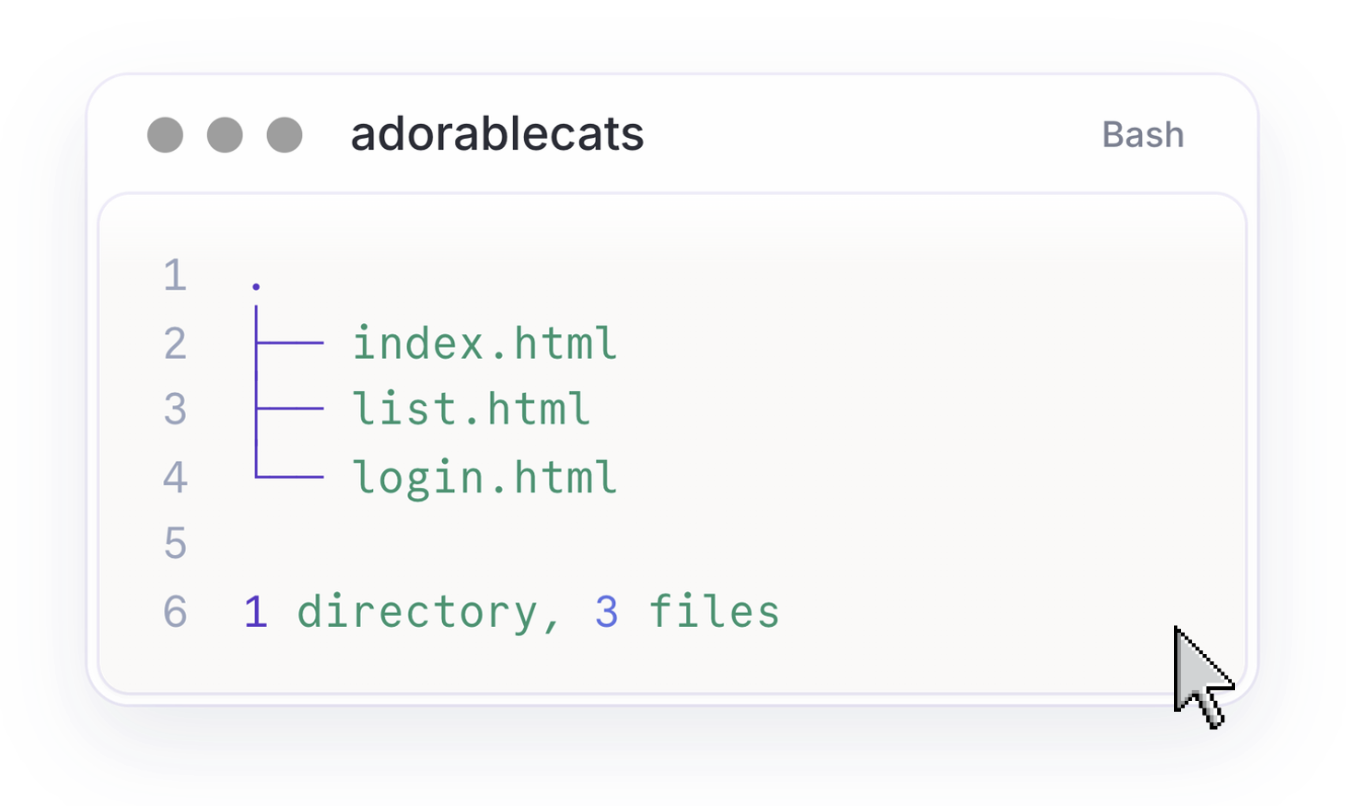
A single HTML file.
This file contains all the buttons and titles and text which our frontend needs and a user can interact with our webpage. Every time the user does something, a request is sent to some server and the server responds with the new updated HTML page which reflects the latest state of the frontend.
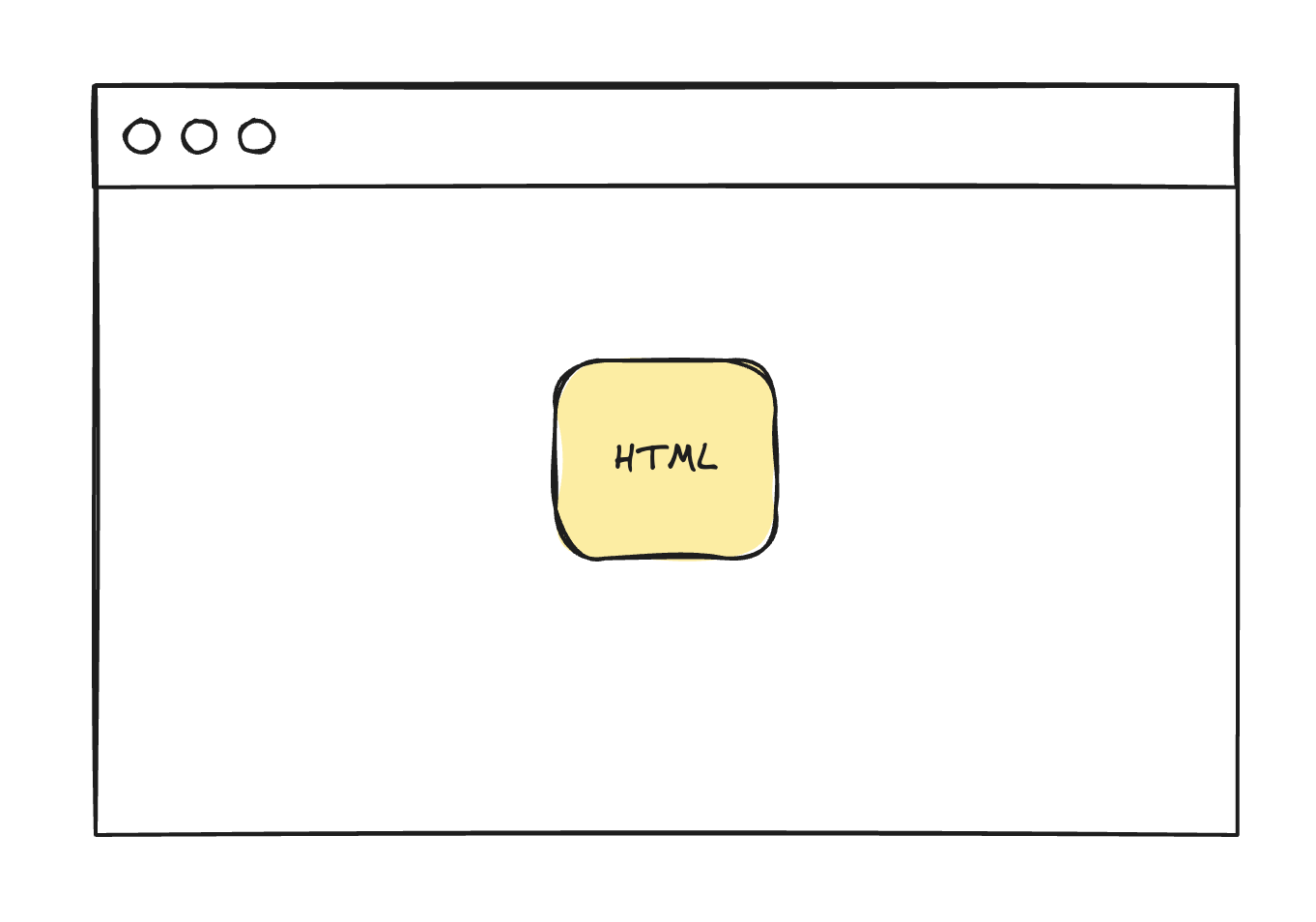
This is great and all but we aren’t living in the 1990s. We want the interactions to feel instant and like we never had to leave the page or refresh the browser. Everything must just update dynamically.
To do this, we add some JavaScript to our frontend.
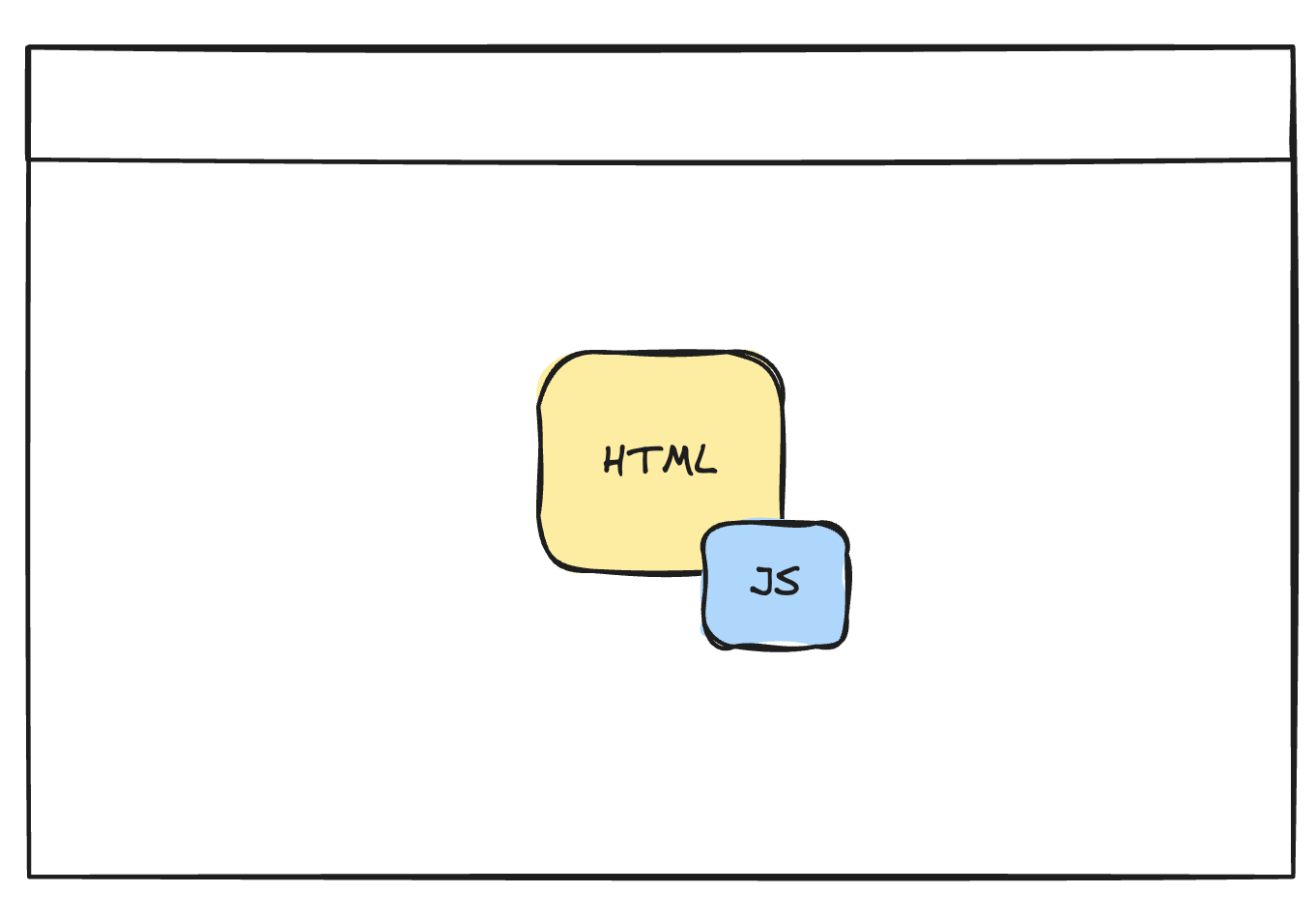
This is easy to do since we can use <script /> tags with some JavaScript in there. With this architecture, my frontend can scale to about 3 or 5 screens.
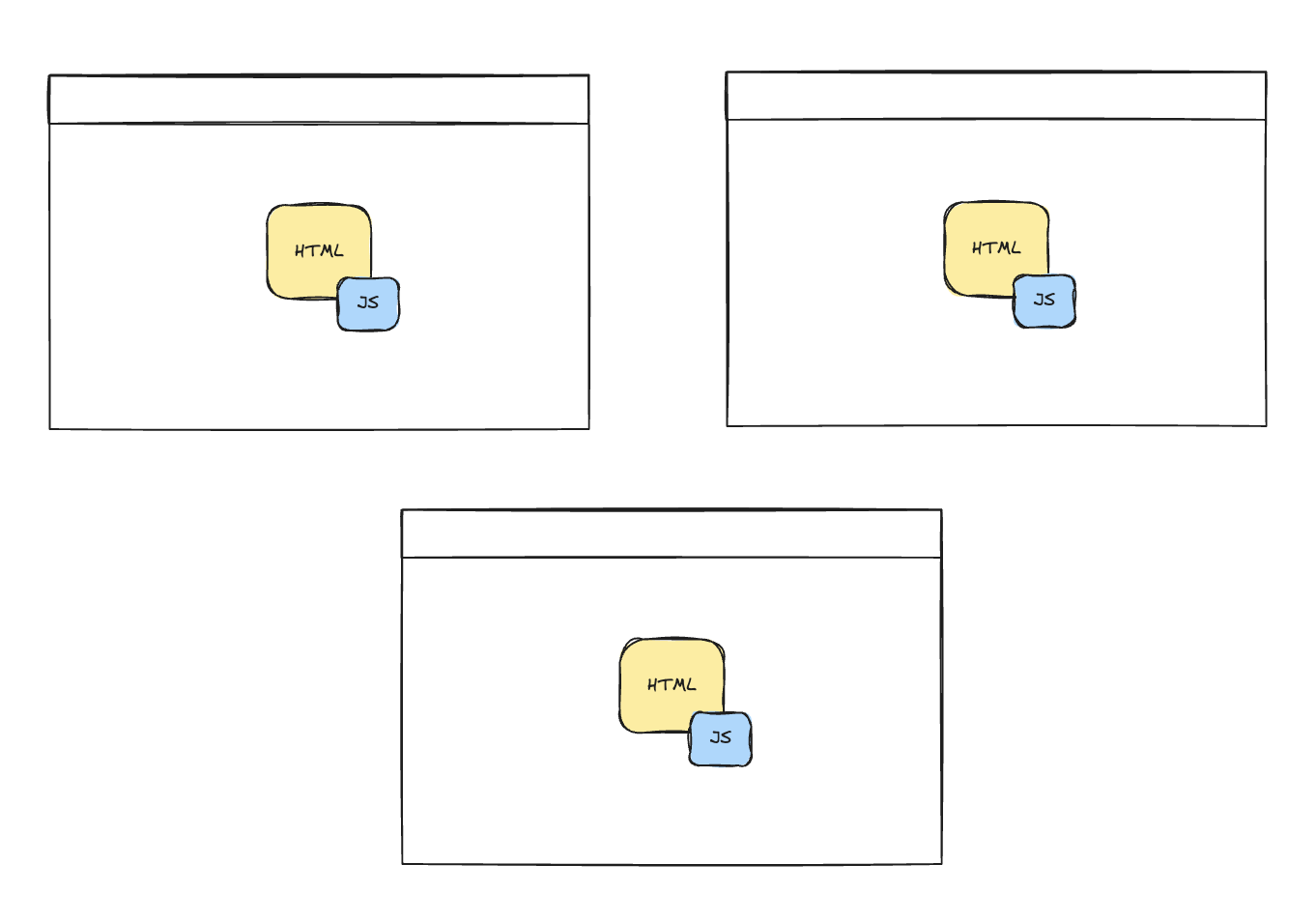
However, as the frontend scales, I will run into issues pretty soon. The screens are going to start relying on the same JavaScript code, e.g. authentication, storage, etc. This means that as more and more screens rely on similar logic, I will end up duplicating that logic across HTML files which will become a maintenance nightmare!
If only there was a way to pull out all of the JavaScript into their own separate files and then load those files into the HTML files.
Oh wait… I can do exactly that!
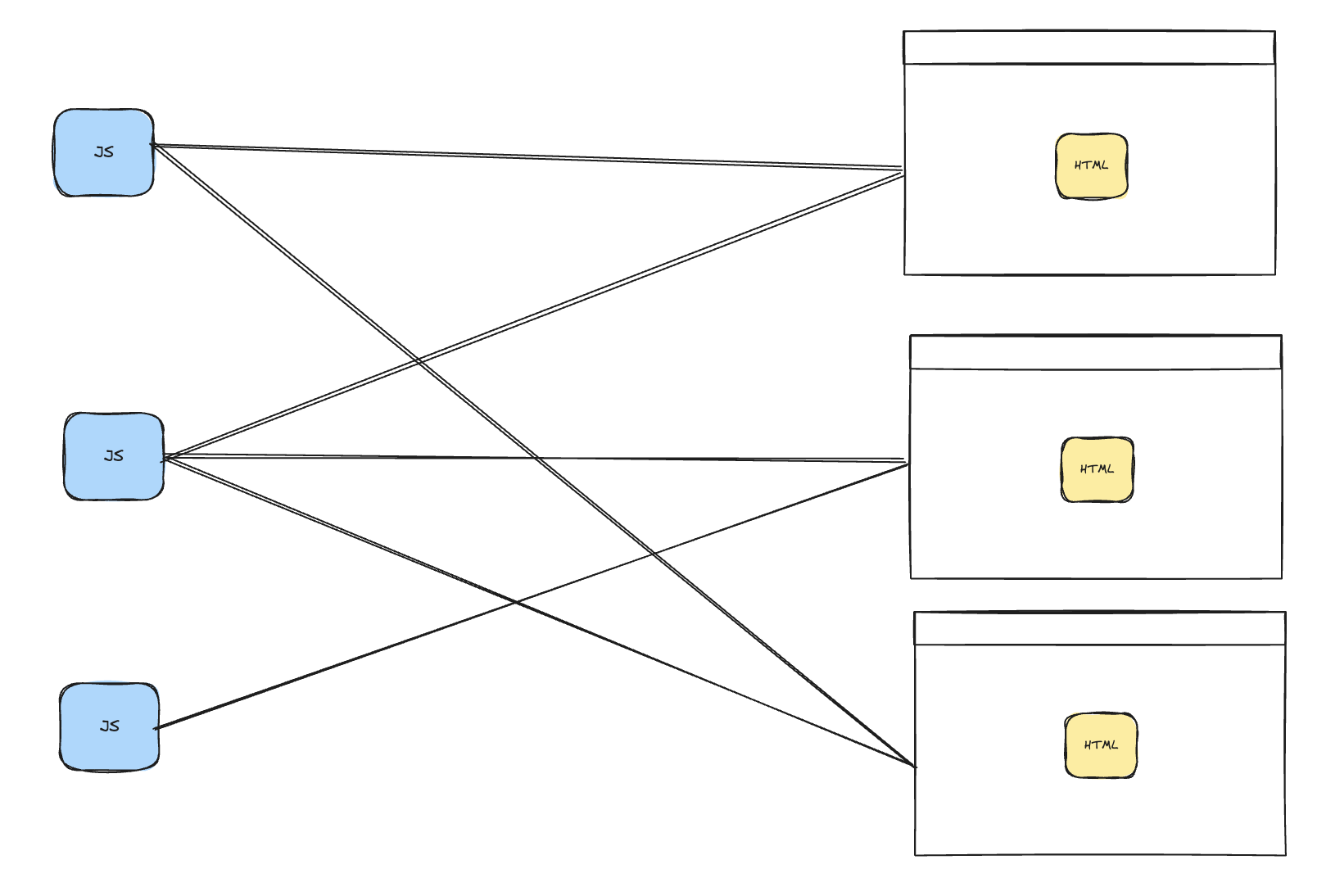
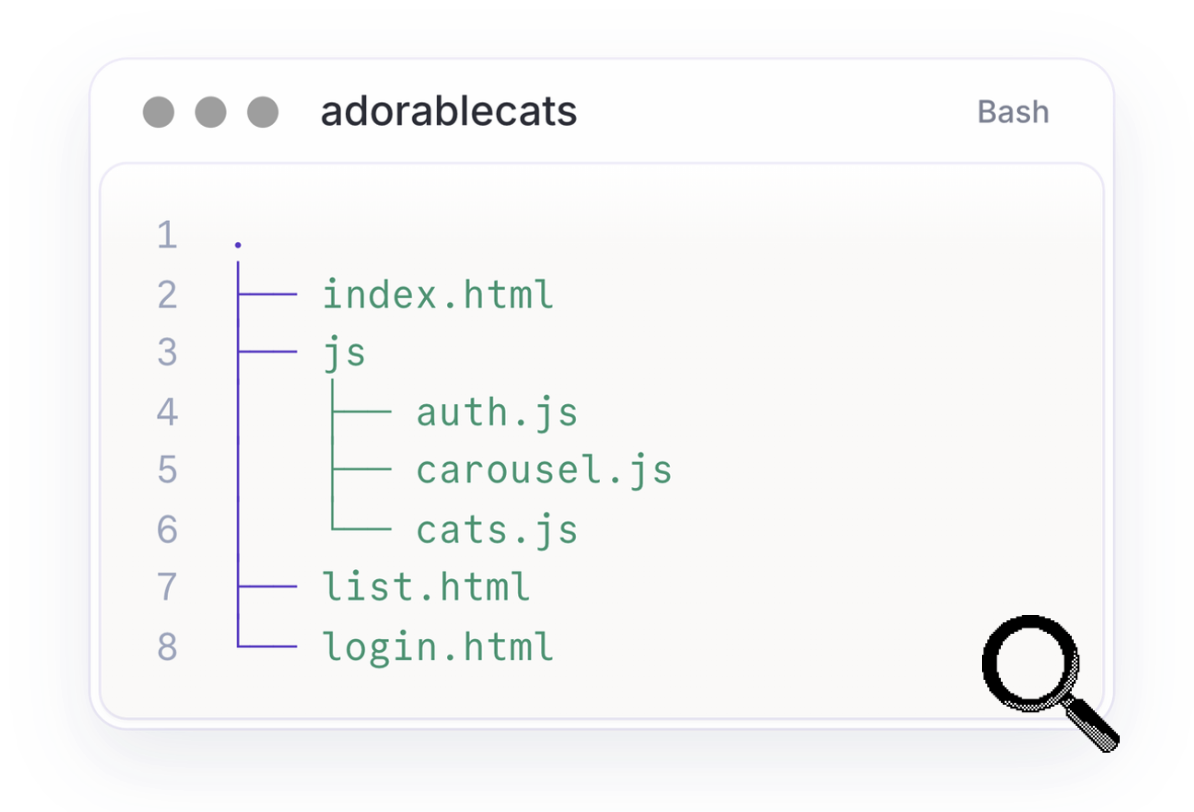
Now I have pulled my JavaScript into their own files and each HTML can load whatever JavaScript it needs.
So my frontend went from this:
To this:
The squishing of modules
The current architecture of my frontend can scale a bit more now but I will soon run into new issues. Specifically, dependencies. As my frontend grows and more features are built, I will start to have JavaScript code which depends on other JavaScript code. I might even want to load some third-party JavaScript code so that I don’t have to write all of the code myself. Currently, this means that each HTML file needs to keep track of its script tags and specifically the order of the script tags.
This, again, will become a maintenance nightmare.
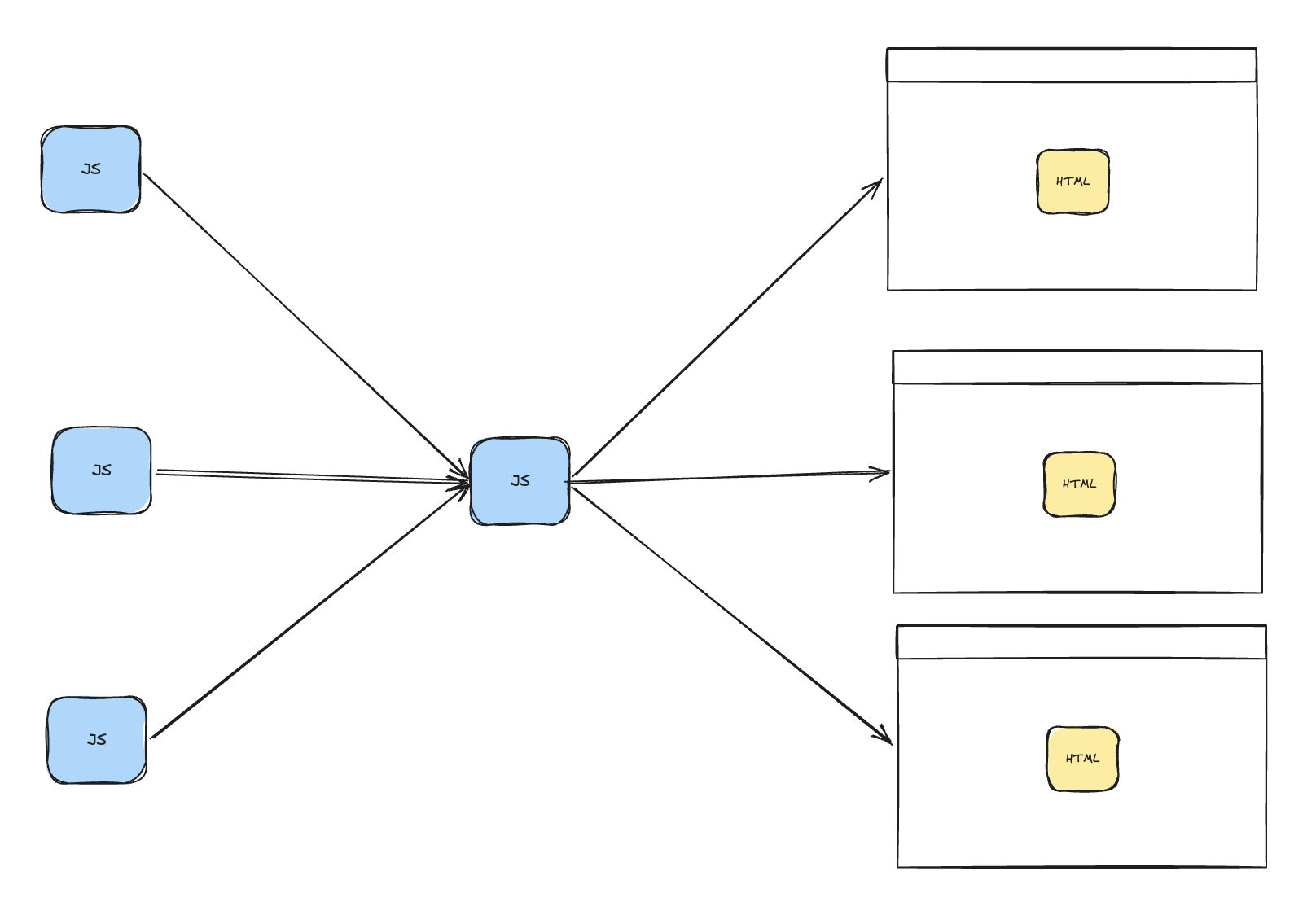
Ideally, what I want is a solution where I can write as much JavaScript as I need, import and export my JavaScript modules and then just squish everything into a single JavaScript file which my HTML files then load.
What I need is a bundler.
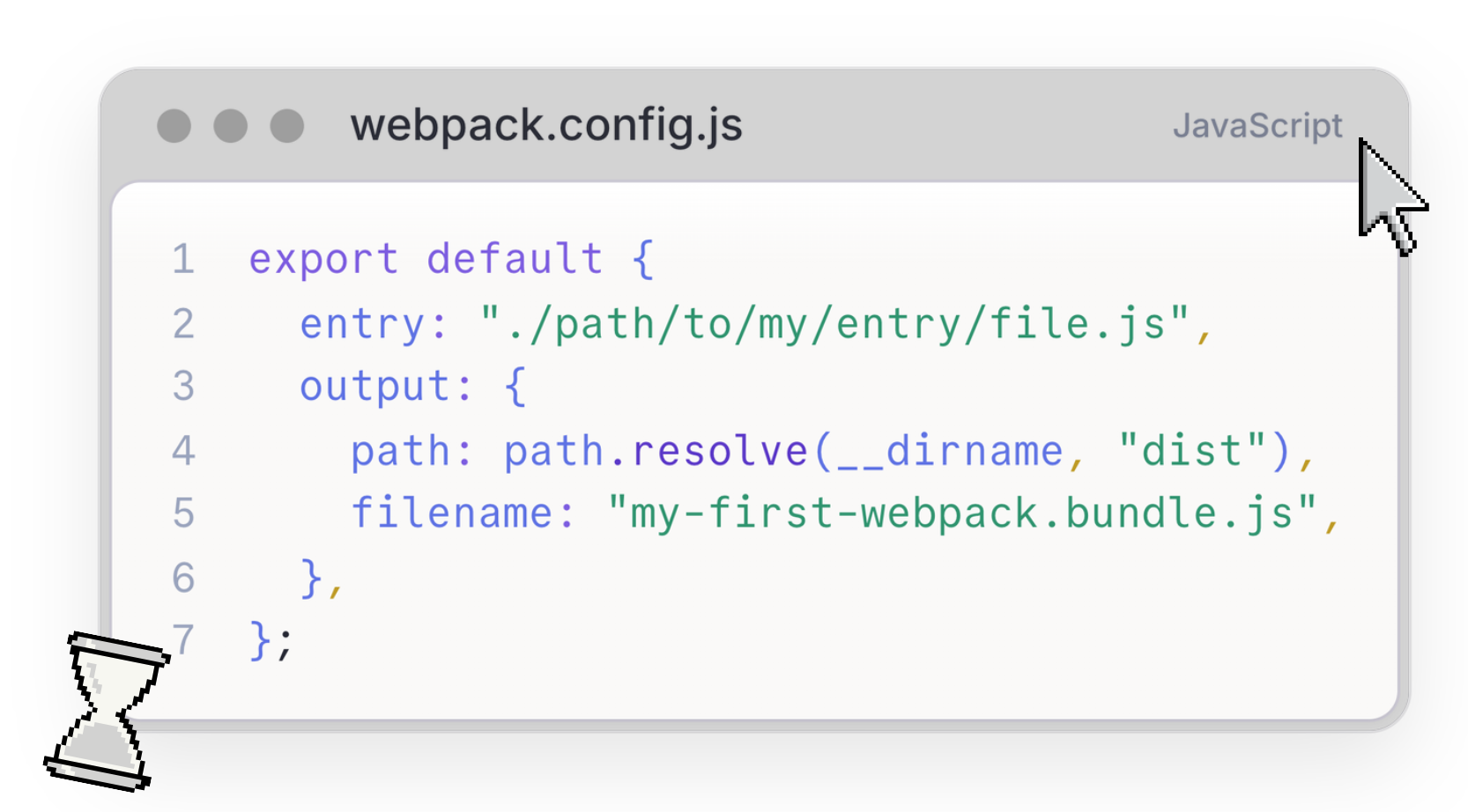
A bundler is a tool that at its core maps out all of the JavaScript modules the frontend needs by referencing what is being imported and then it bundles the modules into a single JavaScript file.
In this example, I am using Webpack as the bundler because I am very familiar with Webpack since it is the first bundler to support module federation. Webpack is not necessarily the best or fastest bundler out there and now with Module Federation 2.0, pretty much any bundler will do. But Webpack is relatively simple to configure so it is a good example.
As you will see in the image above, I have a JavaScript object with two key properties: entry and output.
The entry file tells the bundler where to start looking. The output file tells the bundler where to store the generated JavaScript file and what to call it. I then update my HTML pages to load the generated JavaScript file.
The key thing to remember here is that entry file and that the bundler uses that file to find all of the modules this frontend needs by looking at what that file imports and then recursively what each imported module imports.
In simple terms:
The entry file tells the bundler which modules it needs to bundle.
Now with this new bundler set up, our project is starting to look a bit different.
The code has also changed.
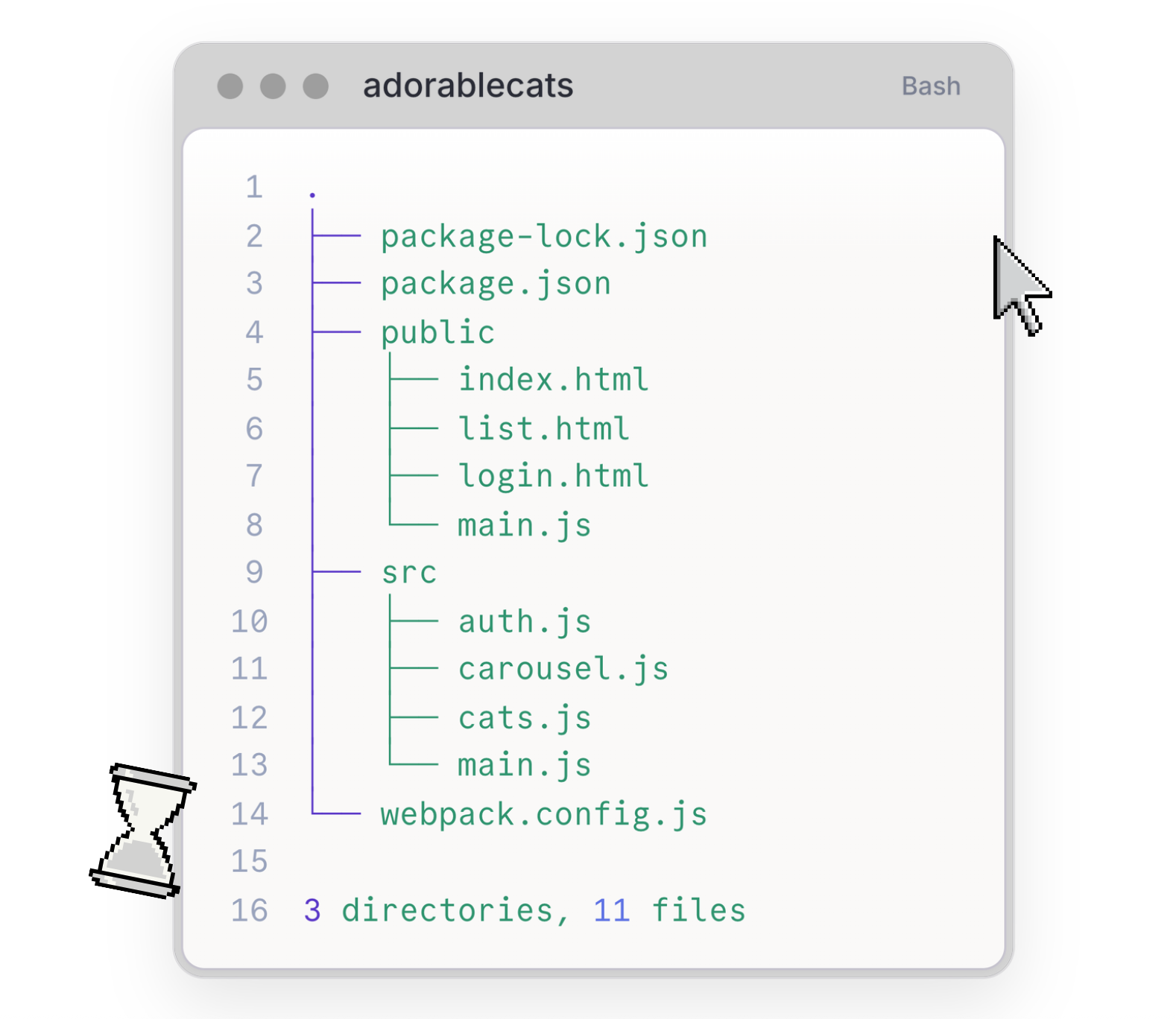
This architecture is starting to look more and more like what I need. Now that I am using a bundler, I also have access to other modern frontend features like node modules, transpiling, etc. This folder structure is also getting real close to any modern frontend project so it is a good idea to switch over to a frontend framework or library that handles this for me so that I can focus on building my frontend further.
Since this article is based off a talk I did at Google DevFest Cape Town 2026, the framework I chose was Angular.
Updating the codebase to Angular was some work but I have done it and here is the updated frontend.
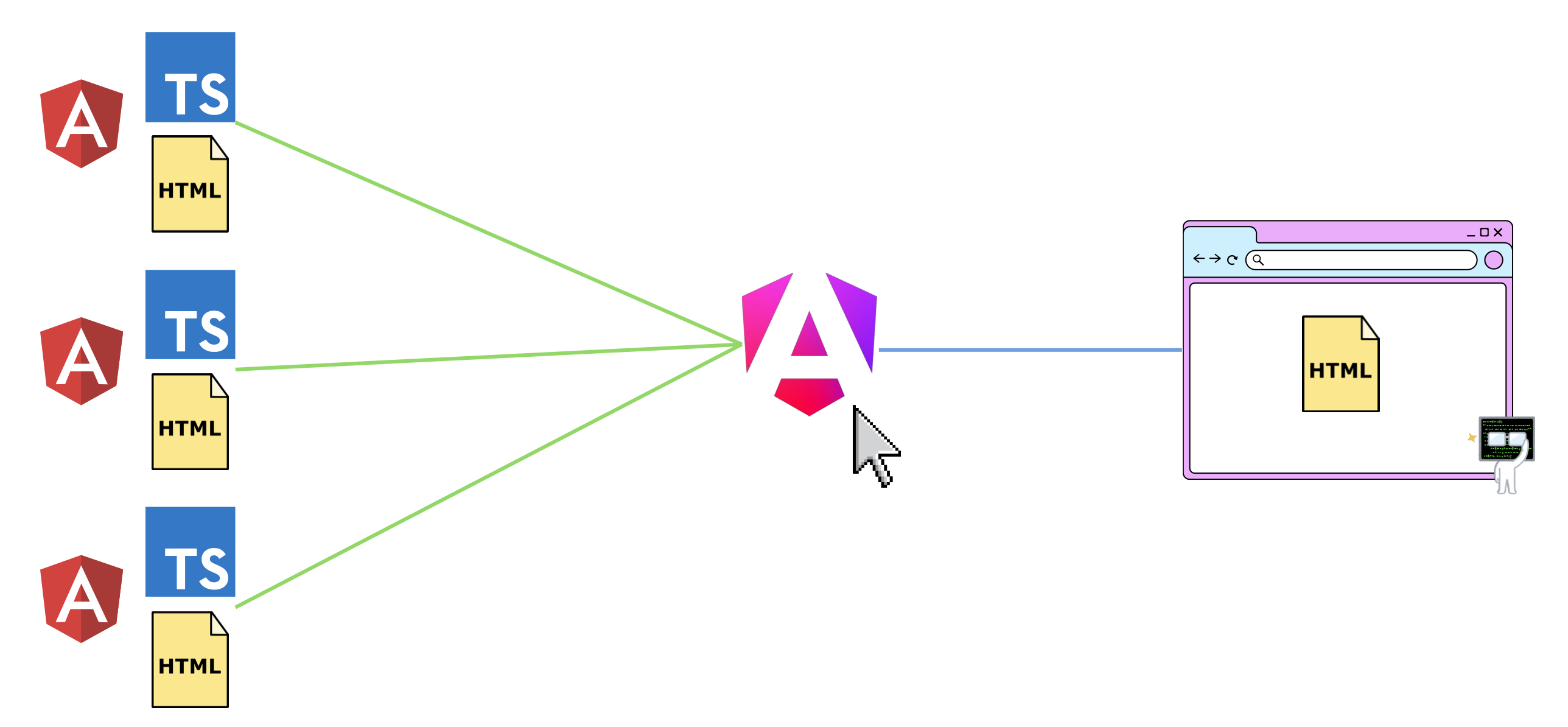
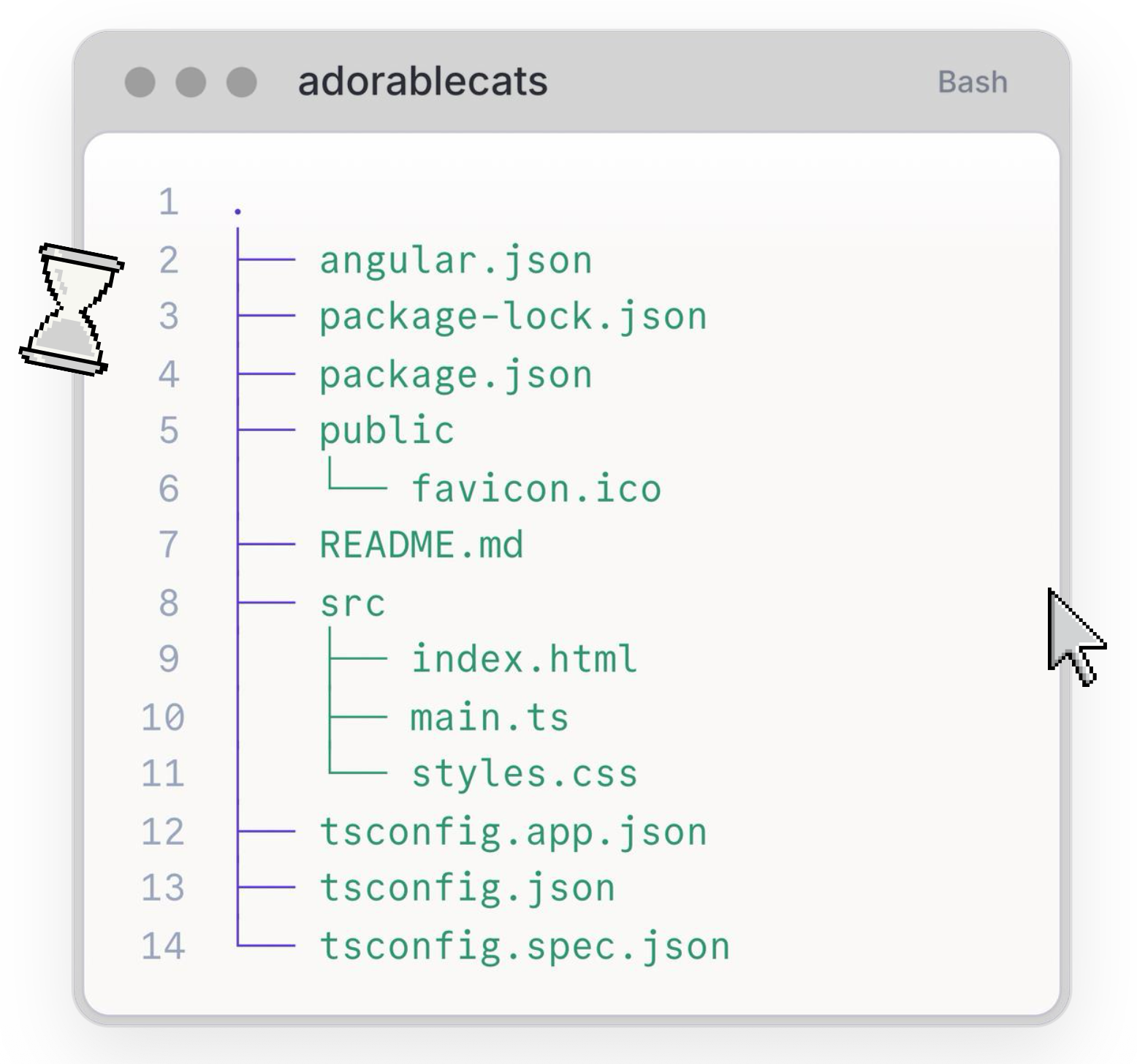
The project structure for the Angular app is very similar to the webpack app. I see of a src folder and a public folder. The webpack.config.js file was replaced with angular.json but they both do the same thing - configure the bundler.
Not yet at the crossroads
The angular app is relatively scalable. As the frontend grows and as I build more and more features, I can just create angular components and angular has a solid way to organise my codebase. I would even consider a monorepo before I consider micro-frontends to solve any scalability issues with the frontend.
So if the tech is the scalability bottleneck anymore, what has to scale for me to consider micro-frontends?
The answer is the team.
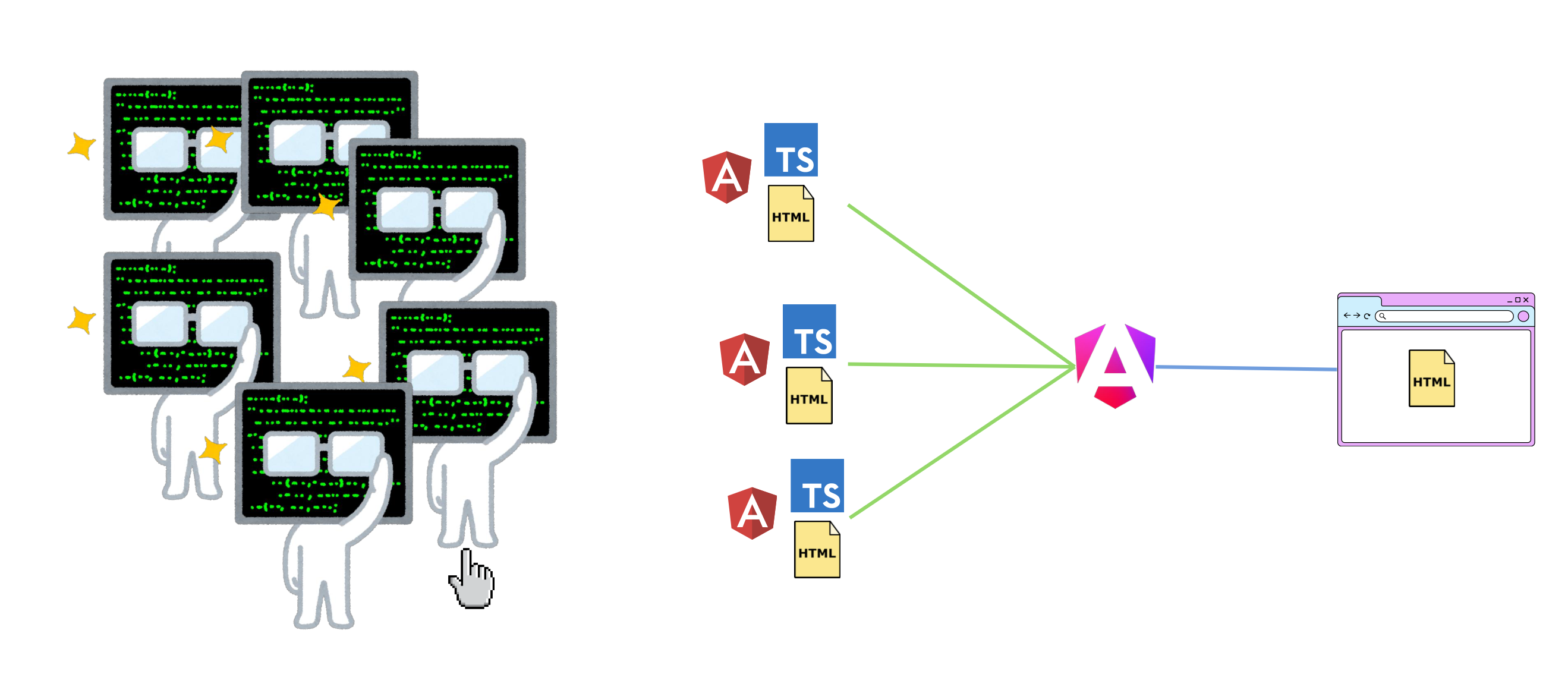
Most angular apps has a team of 5 or 6 developers working on it. Making changes, creating pull requests, etc. As the frontend grows and the features themselves become bigger, its natural for a company to allocate an entire team to a feature.
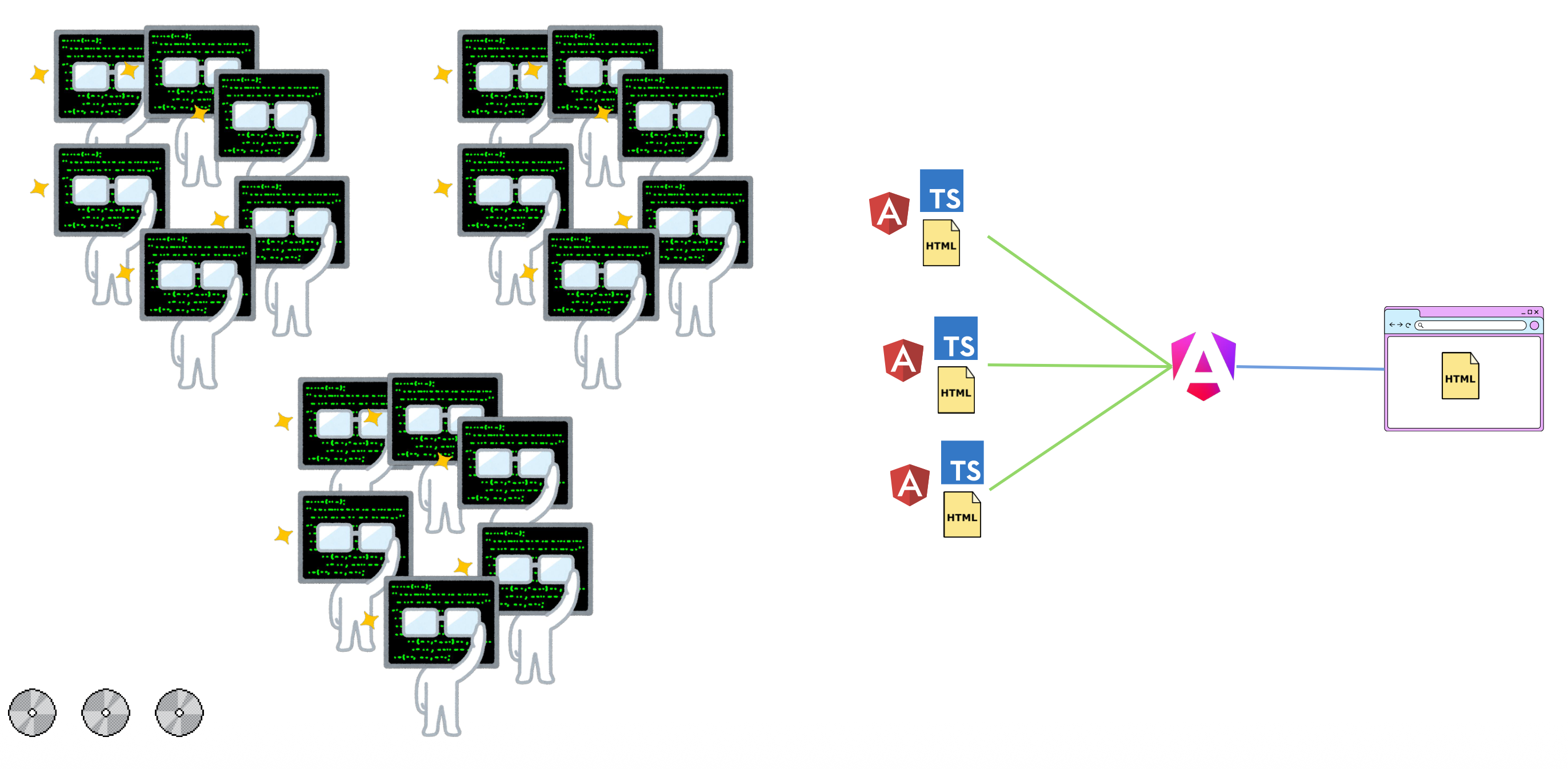
And since I am in the era of agentic AI, this only amplified with team members running multiple agents making changes and pushing those changes.
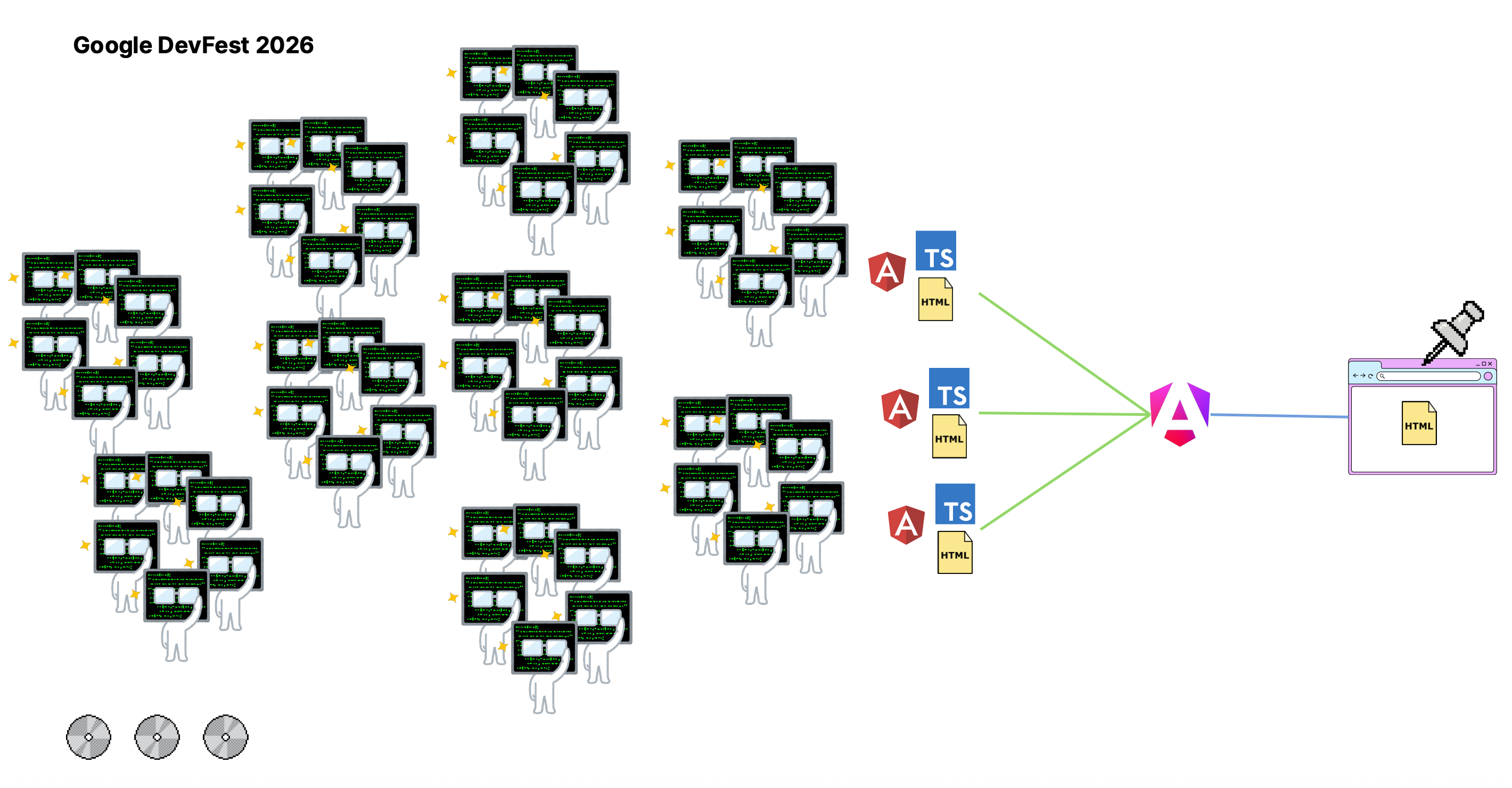
Now deployments get tricky. Developers have to resolve massive merge conflicts. Branches become out of sync and a single error can bring down the entire frontend.
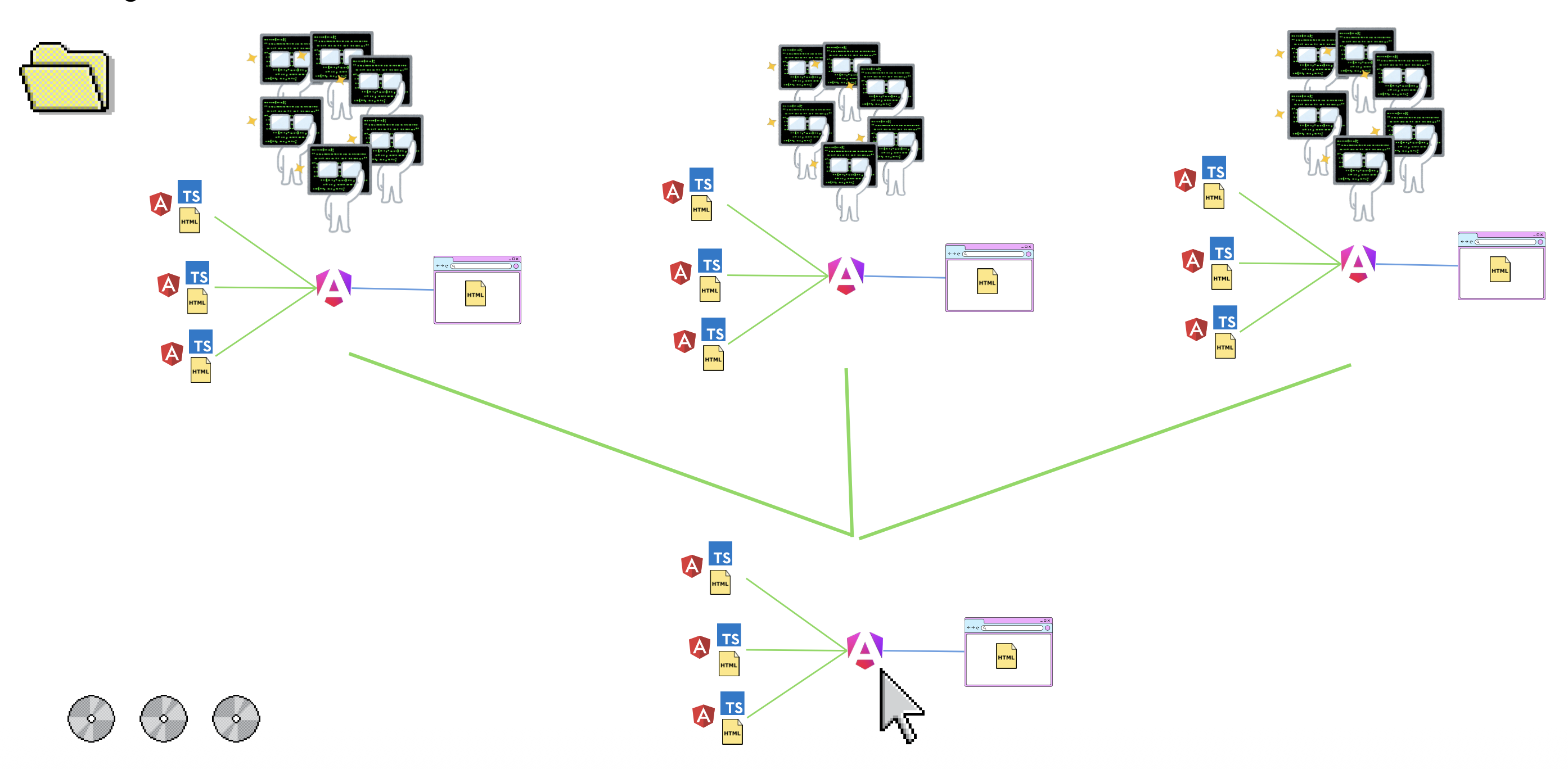
What I need is a solution where each team can own their feature end-to-end. Build it, test it and deploy it. Then a single frontend (let’s call it the shell) will pull in their built and deployed frontend when the user needs it, wrapping it in a safe container so that if it goes down, it doesn’t bring the entire app down with it.
But to achieve this, I would need to resolve JavaScript modules (the frontends) remotely during runtime. So far my bundler, and angular, only resolves and bundles JavaScript modules which it can find on the physical drive during build time.
So I need module federation.
Module Federation
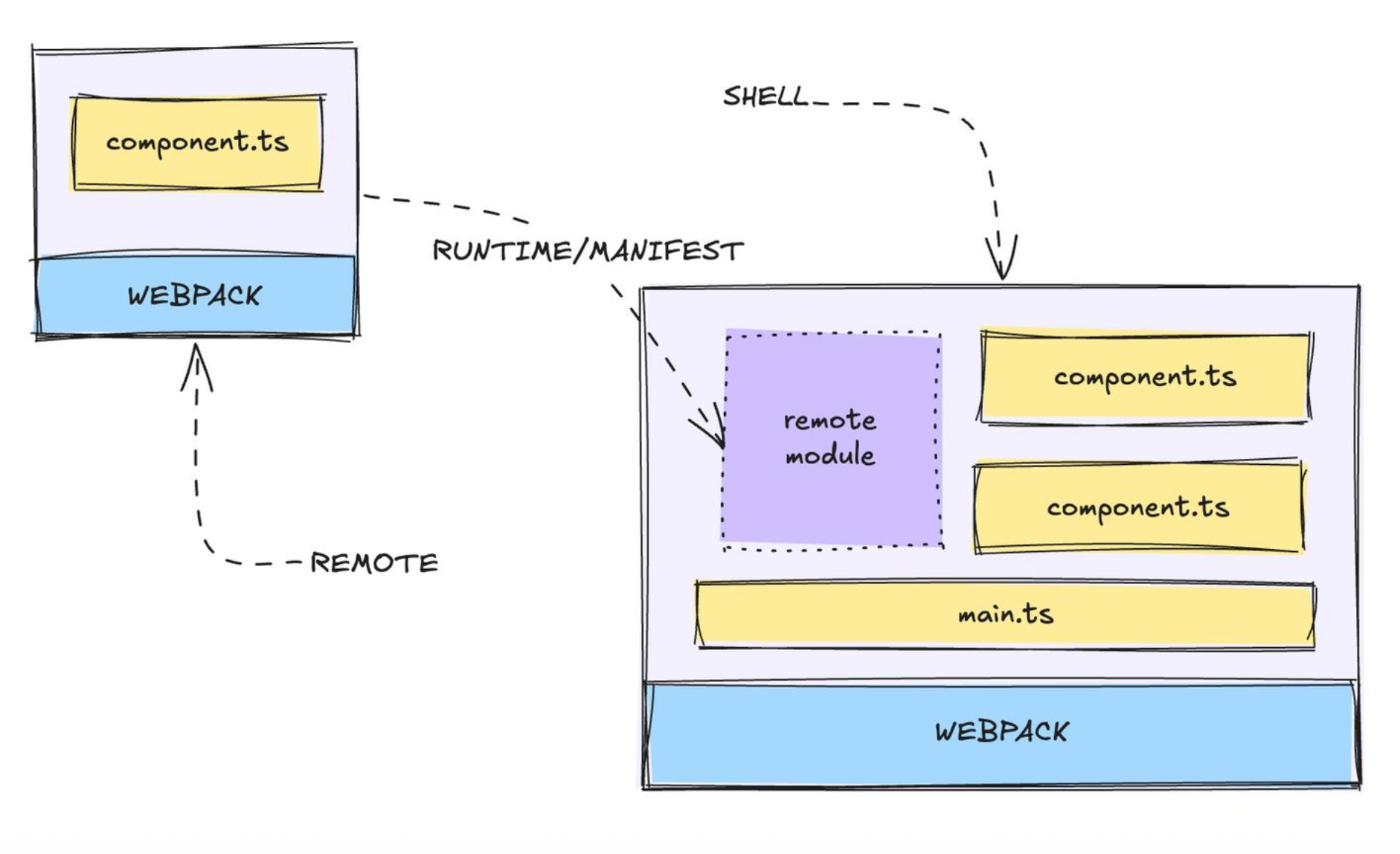
I know this might sound pretty complicated. Resolving JavaScript modules over the internet during runtime. It is kind of like replacing your car’s wheel while driving.
Module federation started out as a webpack plugin (which is why I have so much experience with webpack) but has since evolved into a full specification known as Module Federation 2.0.
In a nutshell, module federation is a way of telling your bundler that some of the modules the frontend will need at some point exists elsewhere and will need to be bundled during runtime.
So to do this, I need four files.
- A file to configure the federated module
- A file to tell our module where to find the remote modules
- A remote entry file.
- A bootstrap file (this one is somewhat optional).
federation.config.js
This file is a config file. Much like we had a webpack.config.js file and a angular.json file, this federation.config.js file also tells the bundler that this module is a federated module and how it should handle the module when bundling it.
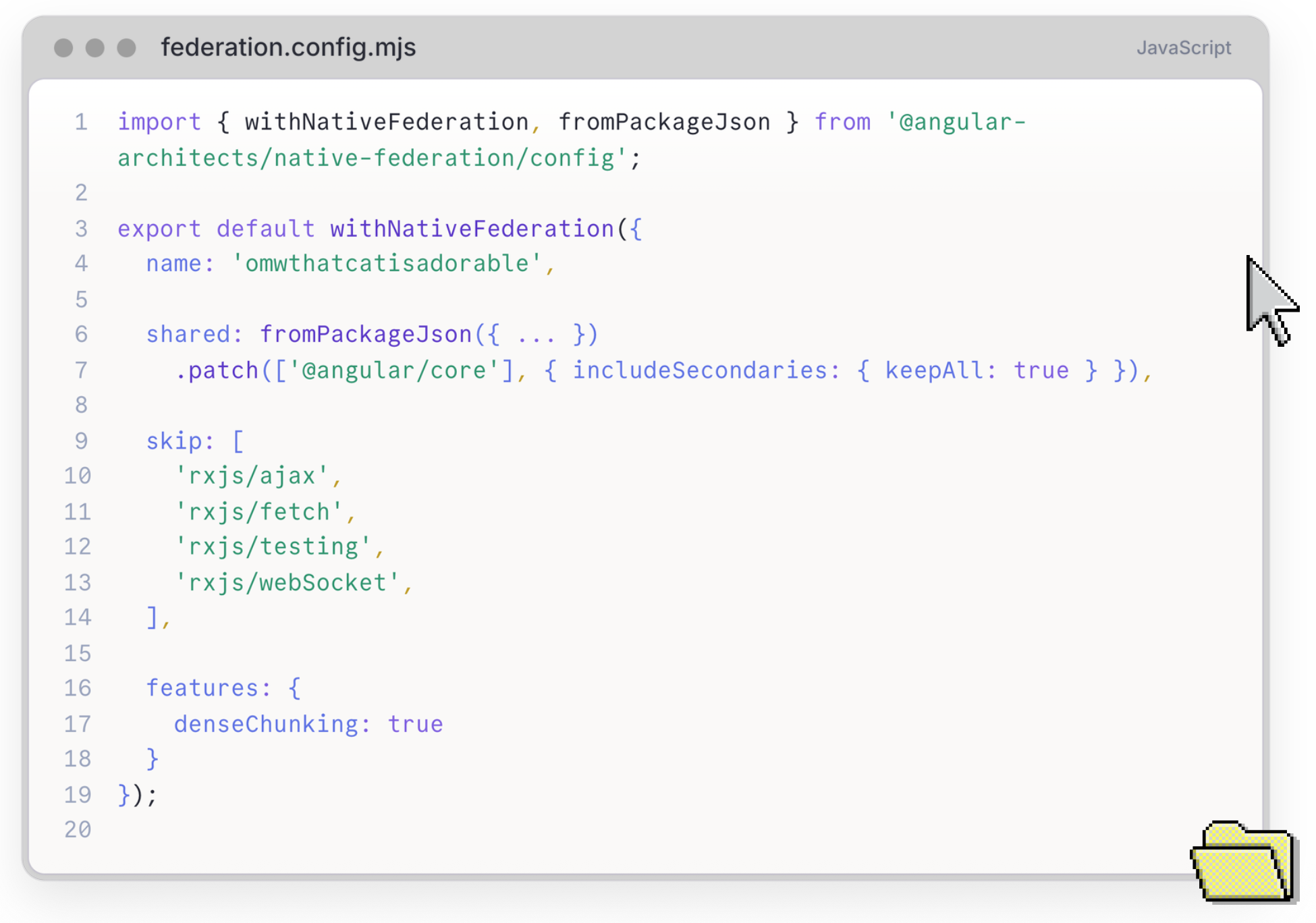
This file also let’s me specify which node modules or packages this federated module is happy to share. For example, if another module has already bundled a version of angular, then just use that one instead of loading a second one.
federation.manifest.json
A file that tells the bundler where to find the remote modules which it will need to bundle into the code at runtime.
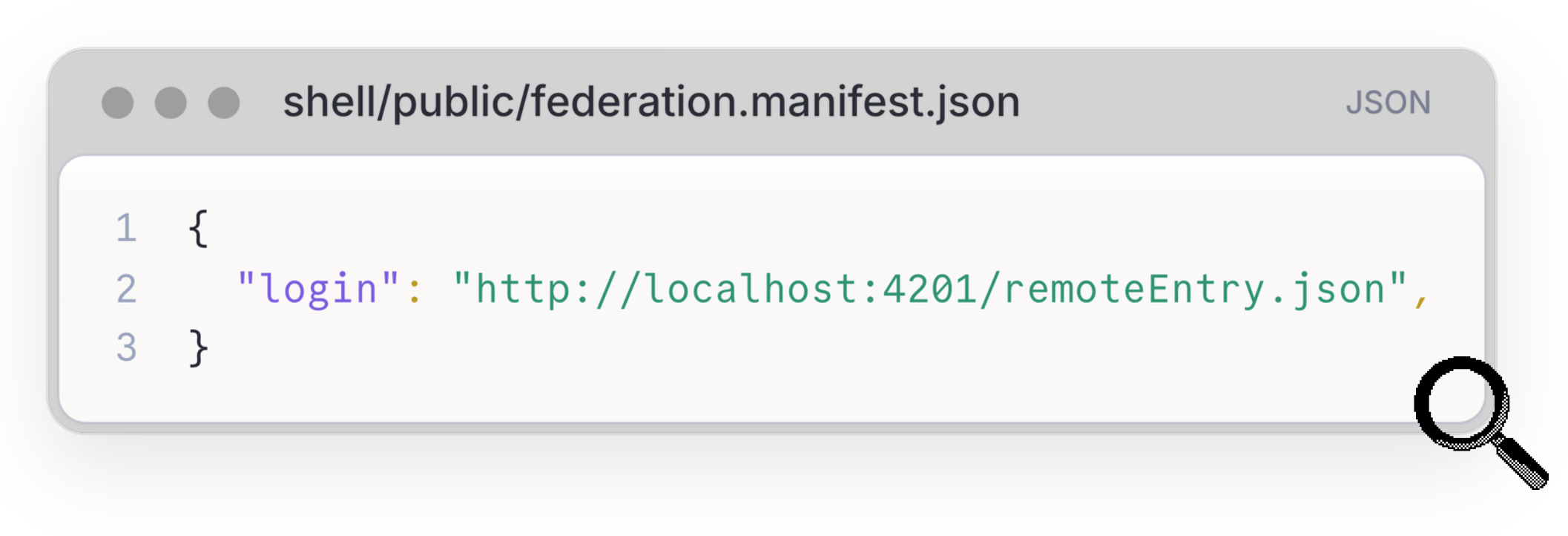
Note here that it actually points to a remoteEntry.json file and not a JavaScript file. This is because just like I needed to give webpack an entry file which tells it which modules it needs to bundle, I also need to tell webpack which remote modules it needs to bundle with the remote entry file.
remoteEntry.json
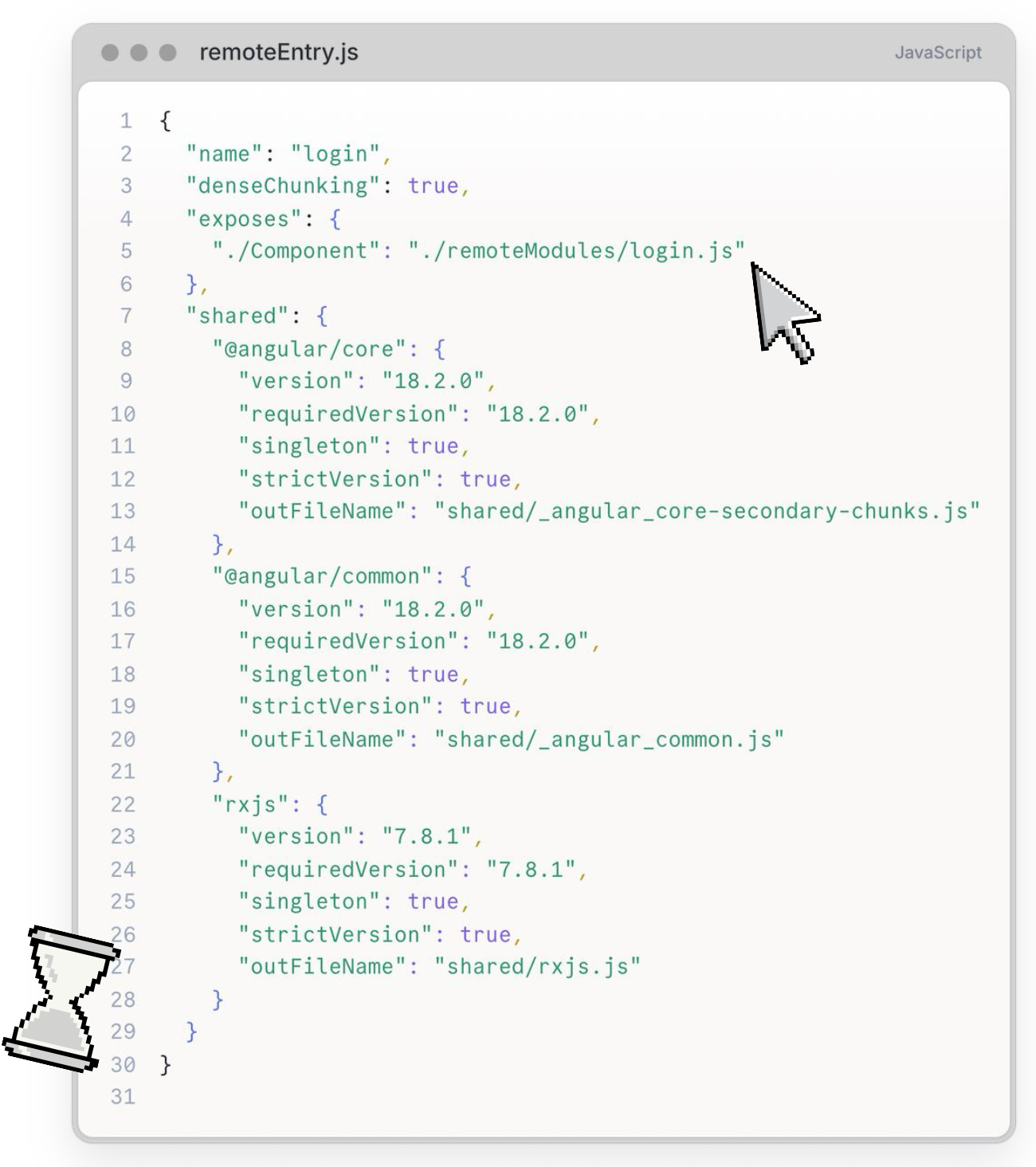
A lot of stuff going on here but the main thing is the exposes property which tells the bundler which modules are exposed by this module and where the bundler can find the modules source code. It is then that JavaScript file which the bundler will load into the DOM and integrated into the frontend.
There is also the shared property which tells the bundler which packages this module is happy to share with other modules.
bootstrap.ts
This file is only relevant to micro-frontends. Since module federation is all about resolving JavaScript modules at runtime, those modules don’t have to be frontends. They could be utility functions for example.
With micro-frontends however, it is important to note that the frontend itself, e.g. angular, has absolutely no idea that it is a micro-frontend. This means that when you run the angular application, it is going to try and boot up as usual but some of the dependencies might not have been resolved at that point.
So the bootstrap.ts file is there to do exactly that. Basically, it is there to set up the environment and get every ready before calling the main runApp(...) function in the main.ts file.
Is that it?
Honestly, yes.
Micro-frontends are relatively easy to get started with because of one main reason.
Bundlers do most of the heavy lifting. And they have been doing most of the heavy lifting for the past couple of years. Even before module federation was a thing.
Micro-frontends is built on top of the concept of bundling JavaScript modules into a single file except now those modules need to be bundled during runtime and might live on another server.
Of course, this is a very basic implementation of micro-frontends. The moment you or your team adopts a micro-frontend architecture, you will run into some new challenges. For example:
- How do you share state between micro-frontends?
- How do you manage the versions of shared packages?
- Should you stick with the same frontend or maybe go frontend agnostic?
Each one of these topics deserve their own talk or article.
Thank you for reading and if you have any questions or opinions, feel free to pop me an email.